Gaming
A Gaming PC in Australia: The Point Where Spending Stops Showing
What a gaming PC actually costs in Australia by resolution and frame rate, where spending stops improving what you see, and the case for a console instead.

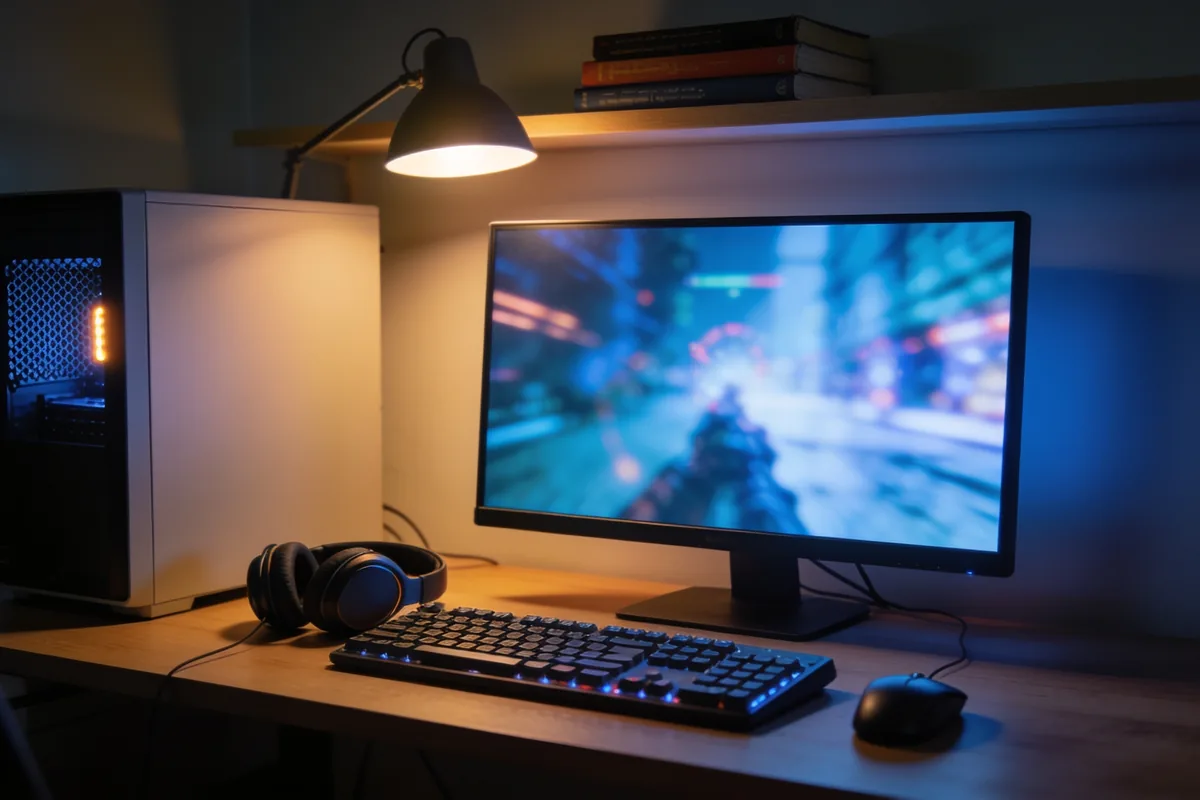
Say where the money stops helping
Most people building a gaming PC in Australia spend past the point where they can see the difference, and the worst part is that the money buying nothing is easy to identify beforehand. The shops will happily sell you the next tier up. The frame-rate charts will happily show you numbers. Almost nothing in the buying experience is designed to tell you where your money stops mattering, so this article does.
The claim, up front: for most readers, the sensible build is smaller than the one they are planning, and the stopping point is specific. This is what each spending tier buys, and where the sensible stopping point sits.
The money that buys nothing is not a small amount, either. It is usually the difference between the machine you can justify and the one the shop would like you to leave with, and that difference is about one graphics tier and two habits wide. The build that impresses strangers and the build that serves you are different machines, and the second one is cheaper.
Three questions decide the whole budget
Everything else is downstream of three answers, so answer these before looking at a single part.
What resolution do you actually play at? 1080p, 1440p and 4K are not a ladder of quality so much as three different budgets, because the display decides how hard the rest of the machine has to work. Play on a 1080p screen and a mid-range card is comfortably enough; play on 4K and every other number grows, including the bill.
What frame rate do you actually want? Here is the honest version: the number in the marketing is a ceiling, not a requirement. A single-player game feels excellent at a steady sixty frames per second, and the competitive crowd chasing higher numbers are chasing something specific that most people are not doing. Decide the frame rate you can honestly feel, and let the marketing keep its charts.
Are you building or buying pre-built? In Australia, one path carries a real premium and the other carries real convenience, and the honest comparison lives further down this page. What matters now is that the answer changes the budget, so decide it early.
Two refinements on those answers. The resolution decision belongs to the monitor, and the monitor is the longest-lived part of any setup; it will outlast two graphics cards, so it is the one purchase worth deciding slowly and generously, because everything downstream is built around it. And the frame-rate answer deserves an honest self-audit rather than a hopeful one. If the games you actually play are single-player, the number you can see is lower than the number you can imagine, and the difference between those two numbers is most of a graphics tier.
What each tier is actually for
Three tiers, described by what they achieve rather than what they cost, because parts are priced on the day and this market moves; anyone quoting you a parts total is quoting you last month.
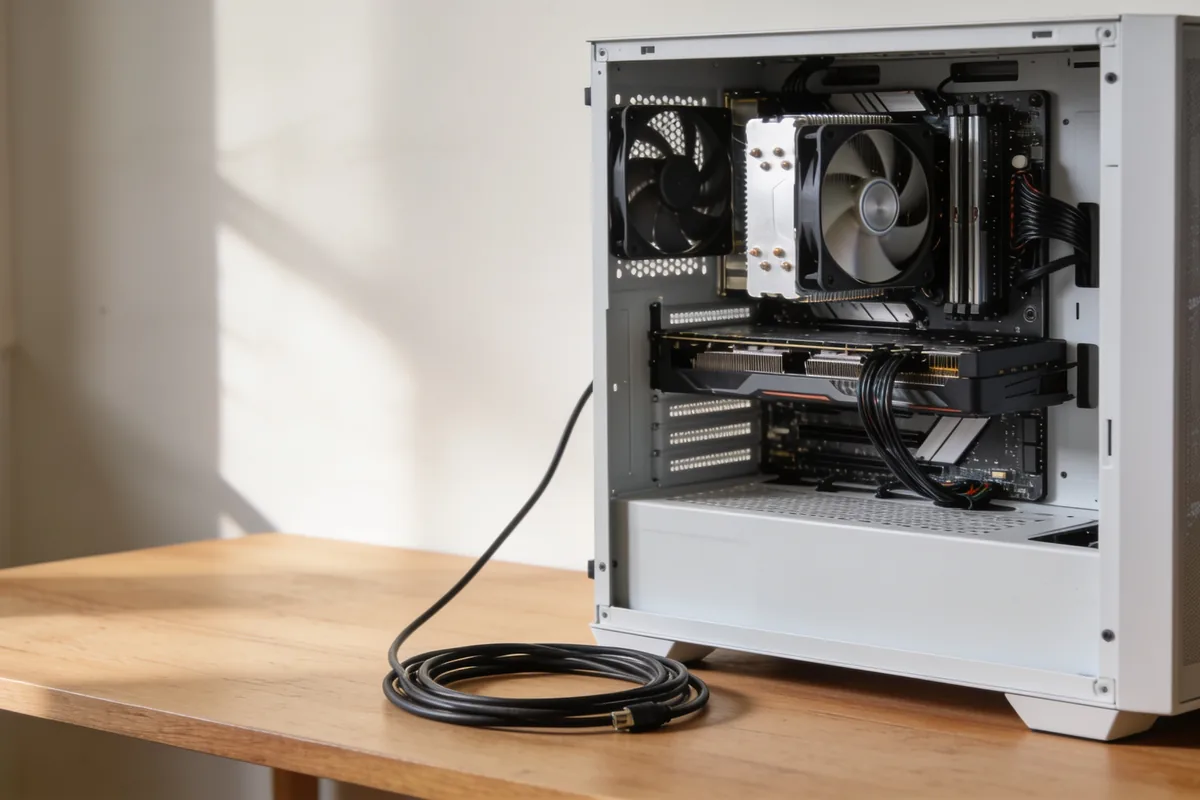
The entry build. Target: 1080p at high settings, at comfortable frame rates for the games you actually play. What has to be true: a current-generation entry-class graphics card, which is the part doing the work; system memory at the level games now expect, with 16GB as the practical floor for a new build; a solid-state drive rather than a spinning disk, because modern titles load from storage constantly; and a power supply rated for the card with some headroom, a point that gets its own paragraph below.
The mid build. Target: 1440p, which is where most people should stop. What has to be true: a mid-tier current graphics card, 16GB of memory still honest for most libraries, fast storage for the larger titles, and the same power-supply discipline. This is the tier where money transitions from buying capability to buying ceiling, and the transition is the whole point of this article.
The high build. Target: 4K, or high-refresh 1440p for readers who play competitively at that resolution. What has to be true: a top graphics tier, 32GB of memory to give the rest of the stack room, fast storage in quantity, and a power supply with genuine headroom. It is a real tier for real readers. It is also the tier most buyers do not need, which is not a criticism; it is an observation about who the marketing is aimed at.
One market note before the next section, because it explains why the same build costs more than it did a year or two ago: component pricing responds to demand from outside gaming as well as inside it, and when other industries are buying memory and chips at volume, the ripples reach the gaming shelf. Price the parts on the day, not from a build guide written last year.
The tiers also fail in predictable ways, which is worth knowing before the parts list exists. Entry builds fail at the power supply, undersized for the card they ended up with; mid builds fail at the monitor, paired too cheaply and holding the card back; high builds fail at the wallet, spending on clock speeds the games never use. None of those failures shows up on a spec sheet. All of them show up at home, months later, in the shape of an upgrade that should not have been necessary.
Where spending stops changing what you see
Three specific places the money stops helping, and two where it genuinely does.
It stops helping the moment you buy the step above the resolution you play at. A card sold for 4K renders a 1080p image beautifully and identically to a cheaper card that also does. The frame counter may whisper a bigger number; your eyes will not read it.
It stops helping at the top of the graphics stack when the monitor cannot show the frames. A monitor that refreshes at a modest rate turns the extra output into nothing, which means the two purchases have to be decided together rather than one after the other.
It stops helping past the storage and memory the games actually use. Capacity beyond what the library fills is insurance, not performance, and it is worth knowing which of the two you are buying. This is the same discipline the site applied to automation tools that earn their place: pay for what changes the result, and for nothing else. It is also the exercise the site ran on web hosting plans, where the useful money and the impressive numbers are rarely the same numbers.
Two things deserve the money. A monitor that matches the card, because the screen is the part you actually look at. And a power supply with headroom, because a cheap one fails under load and takes the rest of the build down with it. If there is a single purchase in the whole build where the upsell is real, it is this one.
One test covers the whole section, and it is worth repeating at the till. Name the game and the screen; if the purchase does not change that pair, it does not change what you see. The corollary is the harder discipline. The second-best card in any tier, one step below the flagship, is almost always the one that should leave the shop with you.
Pre-built or build it
The honest comparison, and it depends on the reader rather than the parts.
A pre-built in Australia carries a premium over the sum of its components, and in exchange it arrives assembled, tested, under a single warranty, with one phone number to call when something misbehaves. A self-built machine is cheaper, and you own every part of the diagnosis when a fault appears, which is either the joy of the hobby or the reason you cannot sleep, depending on the person.
Taking a side, as promised: for a first machine, the premium is usually worth it. The warranty on the whole system, and a single point of contact for a machine that will not post, is a service with real value to someone who has never seated a cooler. Build the second one yourself, once the upgrade itch is no longer theoretical.
Reading a pre-built’s specification is its own small skill. The list leads with the parts that sound impressive and buries the ones that matter, so find the power supply, the memory configuration and the storage before you look at anything lit. And ask what the warranty actually covers, because a machine warranty that excludes the part most likely to fail is a warranty in name only.
The console question
The comments under every gaming PC video ask it, so here is the direct answer. A console is the cheapest way to play current-generation releases, and for a reader who mostly plays the big titles, does not care about settings, and wants the machine to simply work, it is the right answer. That is not a cop-out; it is the honest recommendation for a large share of buyers, and it costs a fraction of a mid-tier PC.
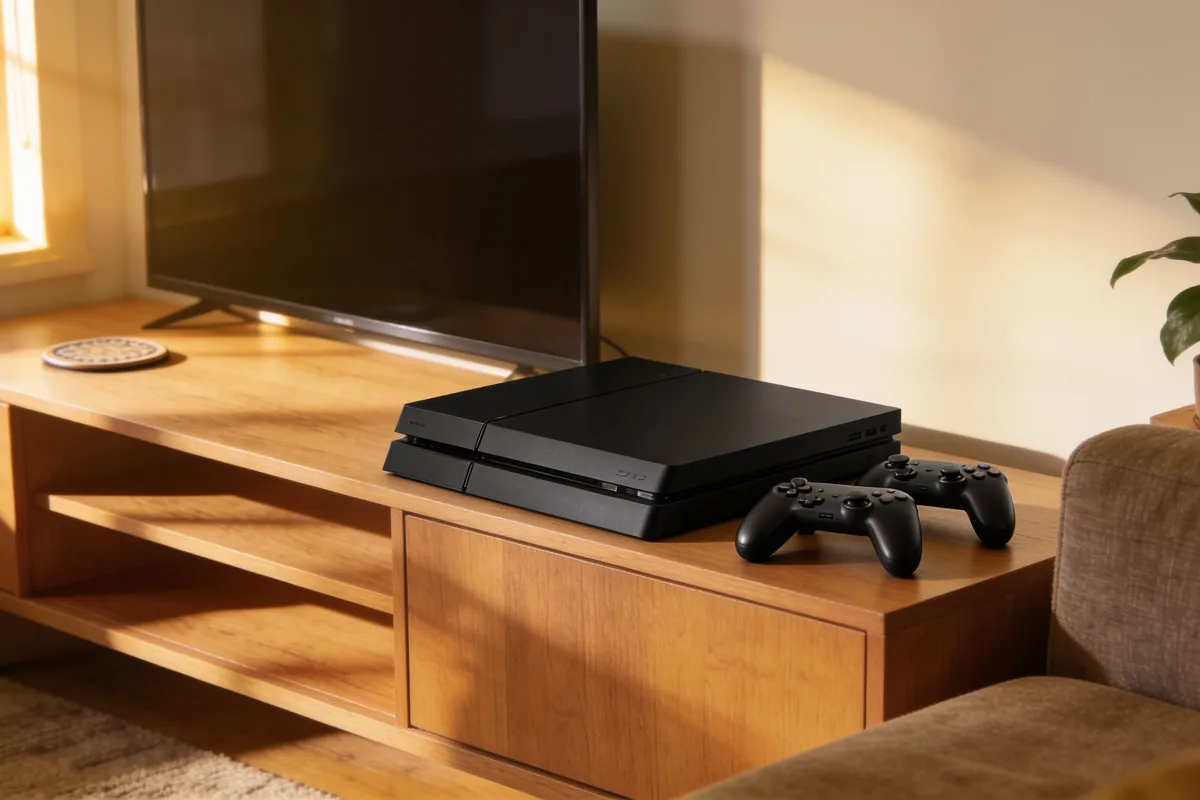
A PC is the answer for a different reader: the one who wants to tinker, plays strategy and simulation games that consoles barely cover, or needs the same machine for work. Two structural differences matter over the years. A PC upgrades one part at a time, so a five-year-old machine can be refreshed rather than replaced. And a PC does not charge a subscription to play online, which is a cost the console side carries that is easy to forget at the till. There is one headline figure worth carrying away: the console’s shelf price buys the entire machine, controllers and all, and the current price is on any retailer’s page rather than in this article, because it moves.
A last honest note on the console comparison: they are not the same purchase, and the argument dies when it pretends otherwise. A console is a games machine with a fixed ceiling and someone else’s rules about what you can play and when. A PC is a flexible, upgradeable, occasionally infuriating instrument that happens to play games. Choose the machine that matches the evenings you actually have, not the ones a forum argues about.
The list to take to the shop
Short enough to keep. The resolution you play at. The frame rate you can honestly feel. The class of graphics card that reaches both, not one tier above. Memory at the honest quantity for the games you play. Storage that is fast, in the amount the library needs and no more. A power supply with headroom. And a monitor chosen to match the card, decided together with it rather than after.
Carry it as a list, literally if that helps, and price parts against it rather than letting a special move the target. The list is the whole article compressed: pick the pair, build backwards, and stop.
Where to stop spending
The stopping point is not a number, it is a sentence: the resolution you play at, plus the frame rate you can feel, and not one tier above either. For most readers that sentence lands on the mid build, with a monitor that matches it and a power supply that can carry it. Spend past that line and you are buying numbers for a chart, not pixels for an eye. Decide the screen first, build backwards from it, and the money you do not spend is the best part of the build.
Sources: Australian Competition and Consumer Commission – consumer guarantees on goods · Australian Energy Regulator – household electricity costs relevant to a PC’s running cost · Manufacturer specification pages – graphics card, memory and power supply ratings











 Home & Garden1 year ago
Polycarbonate Roofing: What It Is Good For, and What It Is Not
- Travel1 year ago
Getting Involved in Alice Springs: Clubs, Events and Community Groups
- Healthcare1 year ago
Plantar Warts: The Treatment Ladder, From Patience to Surgery
- Healthcare1 year ago
GP Chronic Condition Management Plans: How Medicare Funds Ongoing Care (the plan formerly called EPC)
- Healthcare1 year ago
Heel Pain: Five Causes, One Order of Treatment
- Healthcare1 year ago
The Role of Speech Therapy in Treating Common Speech & Language Disorders
- Healthcare1 year ago
Laser Treatment for Nail Fungus: What It Involves and What the Evidence Says
- Travel12 months ago
The Ultimate Family Guide to Uluru: Fun Things to Do, Where to Stay & What to Pack